Financial and Reporting Workflow
Invoice-to-receipt operating flow
- Open the prosecution/financial invoice list.
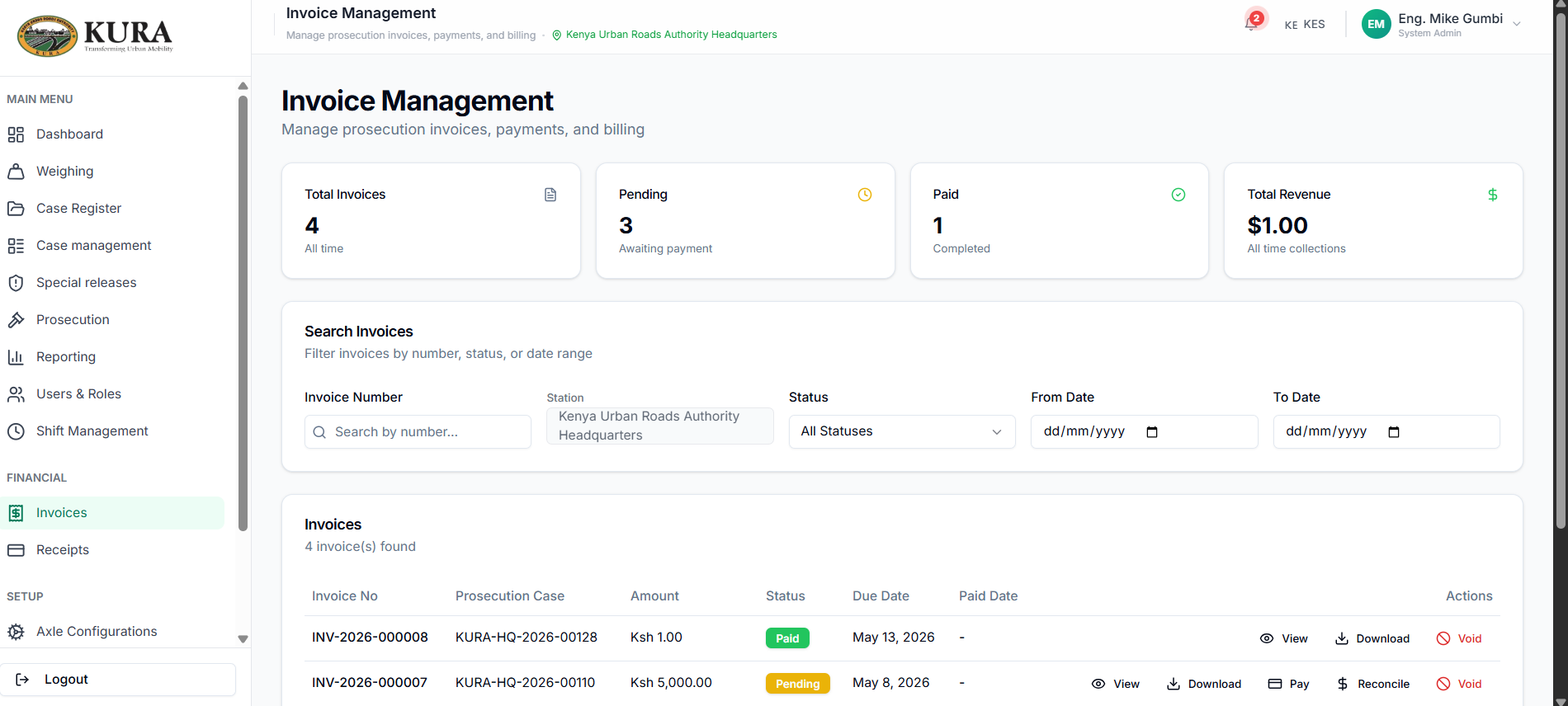
- Select target invoice and confirm:
- invoice number
- amount due
- status
- linked case/prosecution record
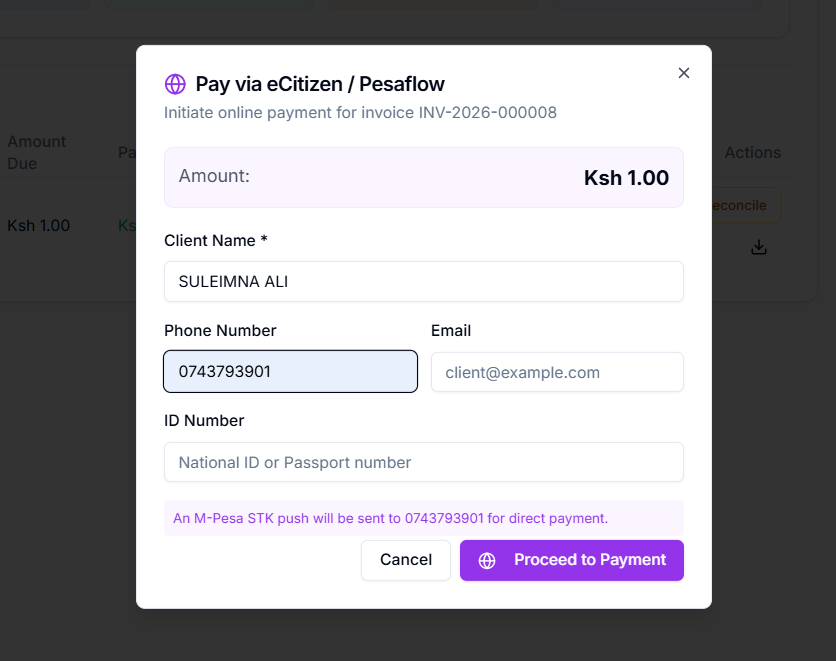
- Start settlement.
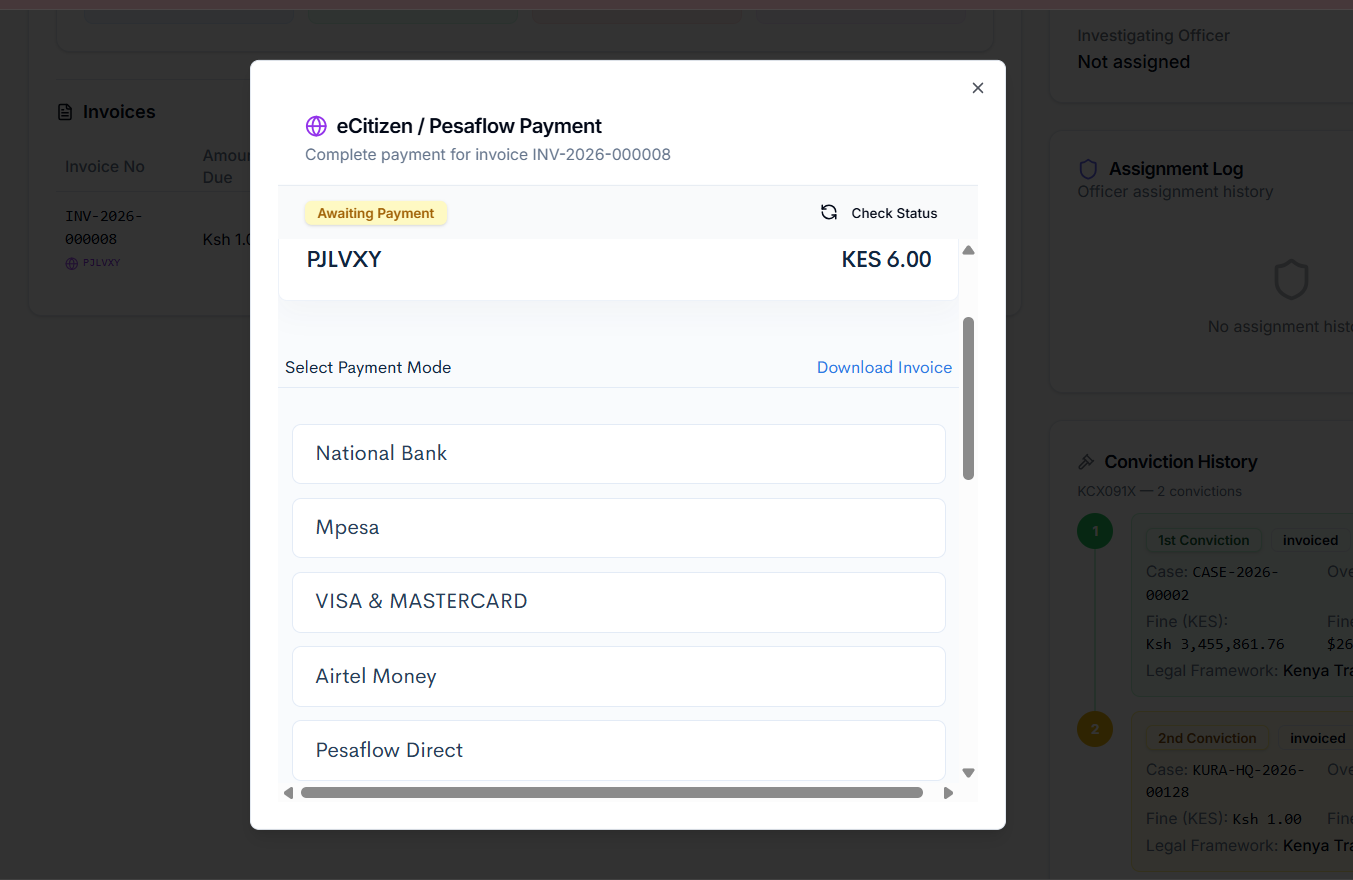
- Choose payment channel (eCitizen/M-PESA or approved alternative channel).
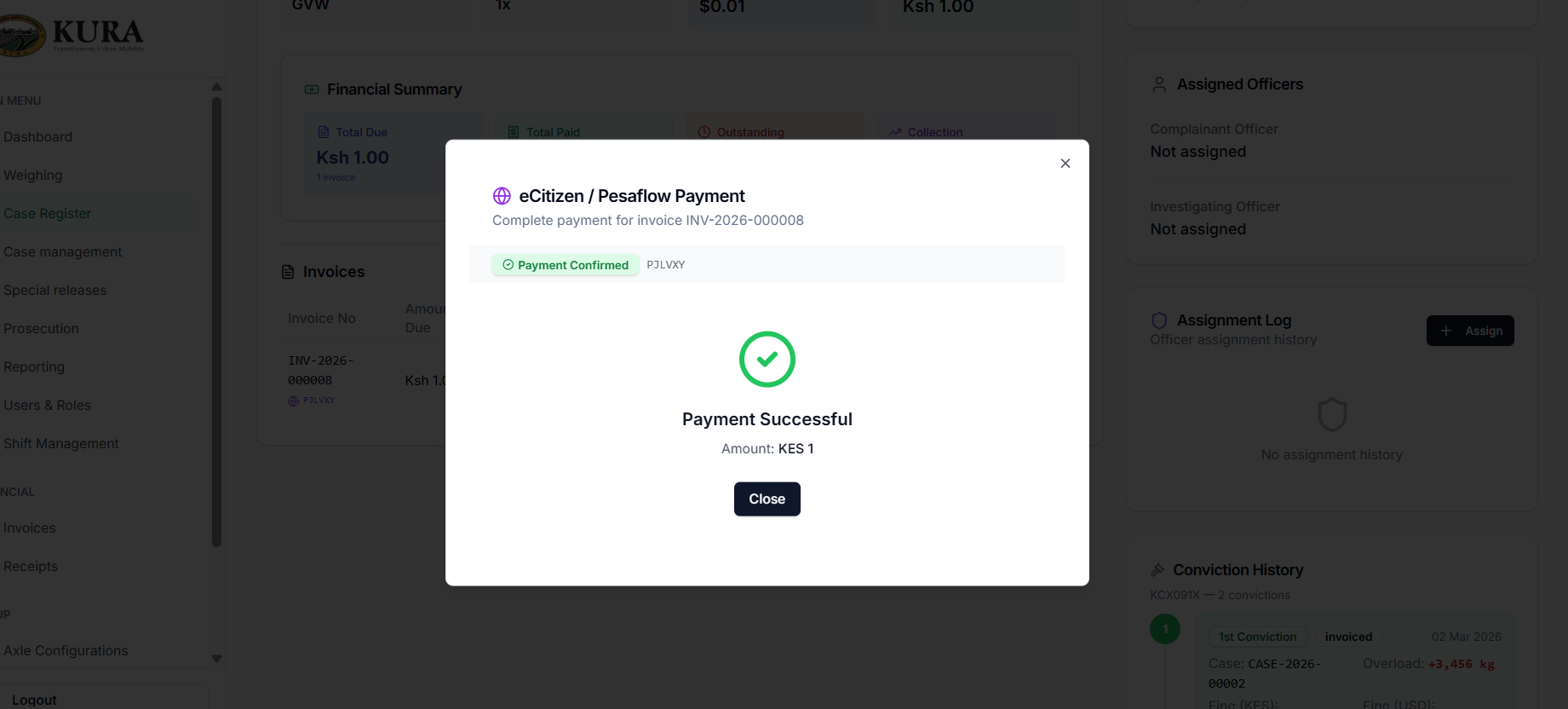
- Confirm response and wait for final payment success indication.
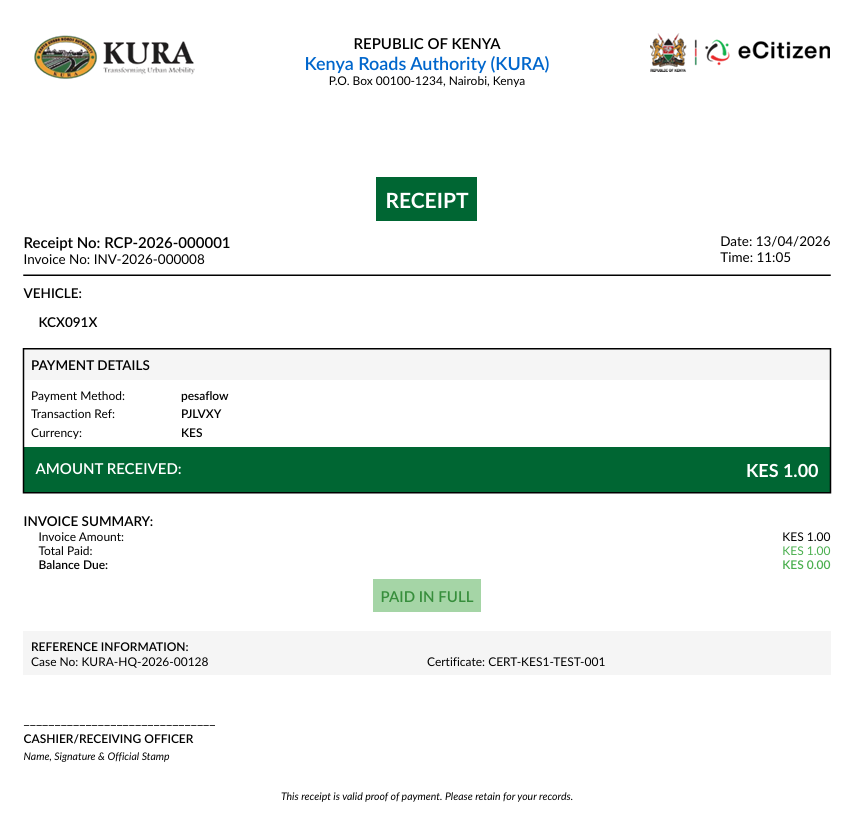
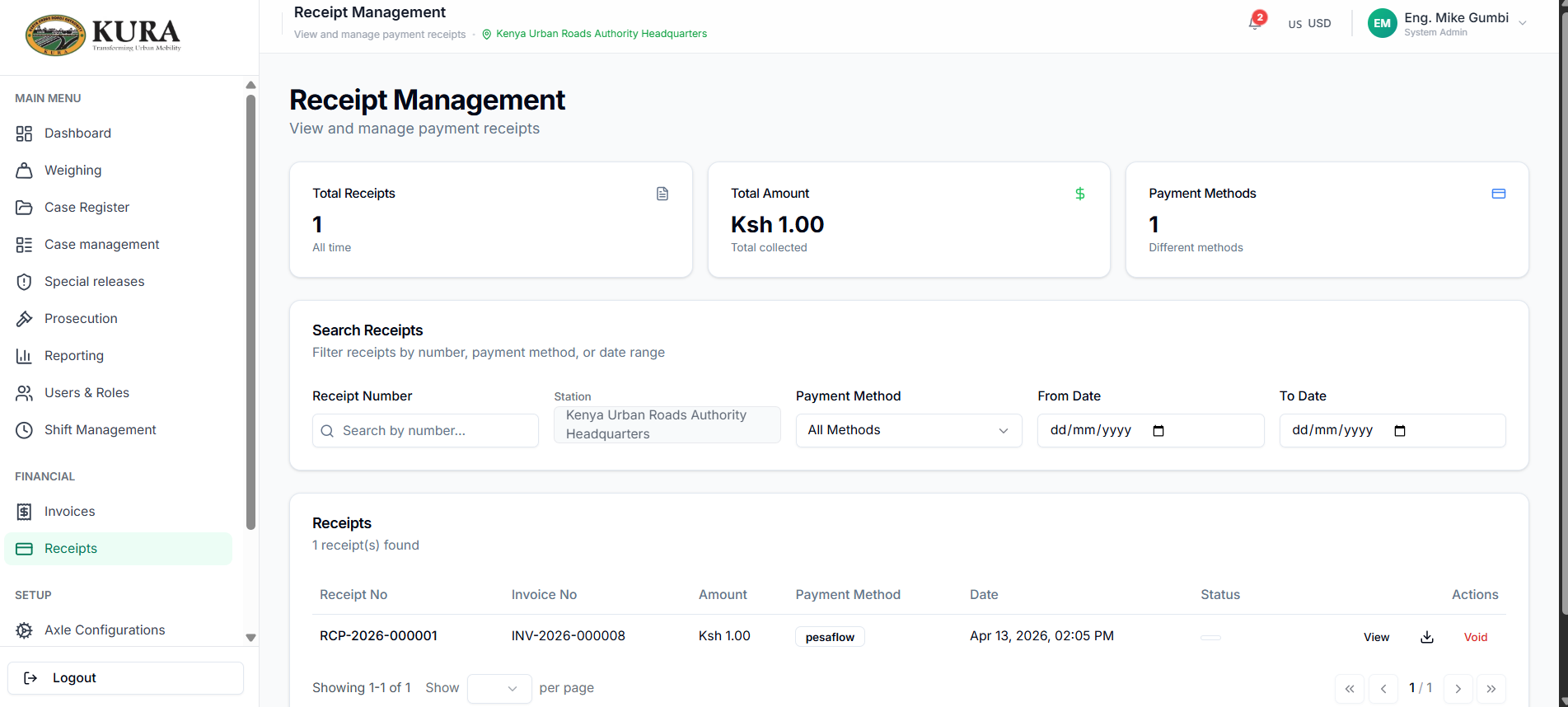
- Open receipts and confirm receipt generation.
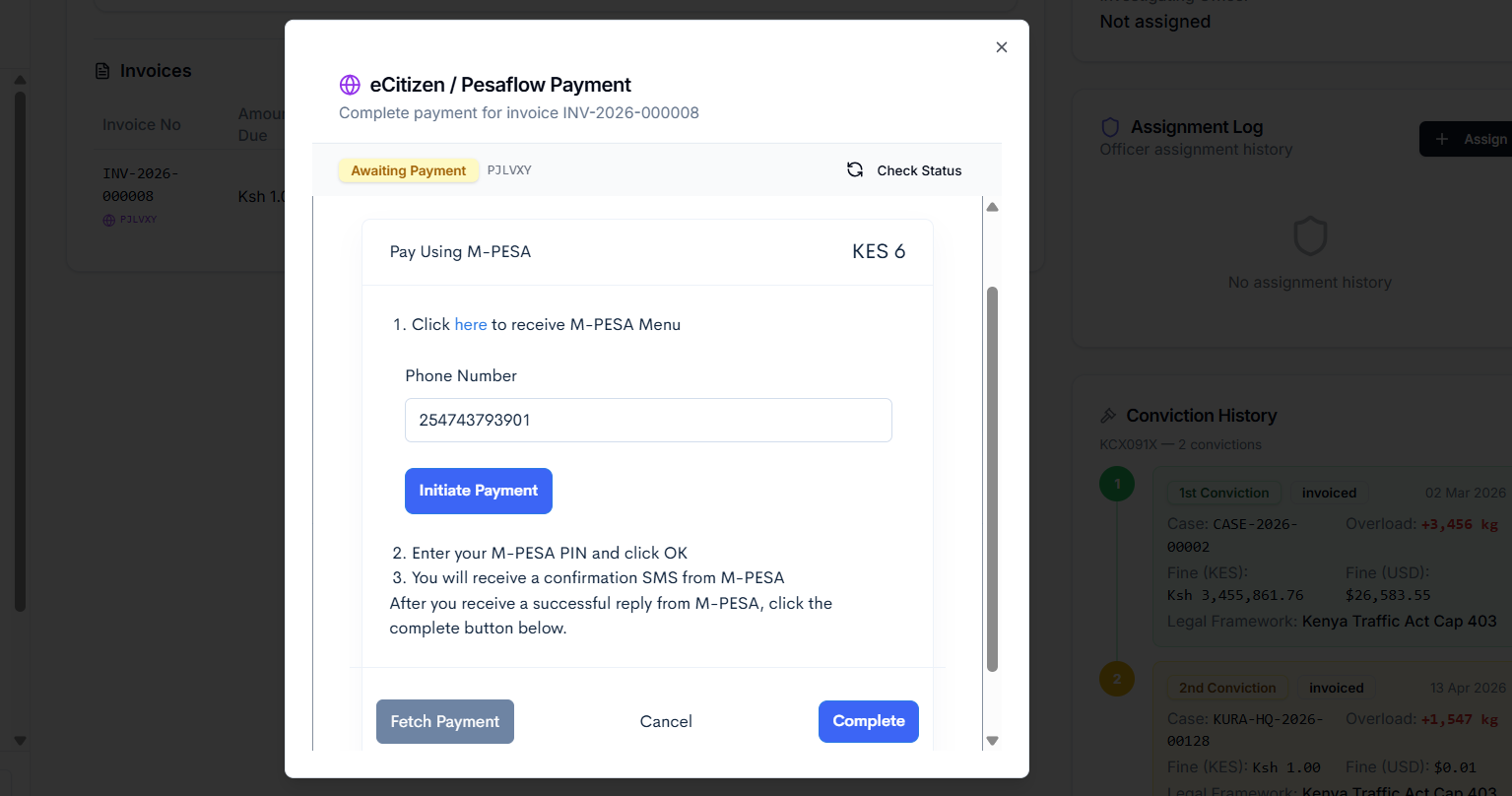
M-PESA/eCitizen operator checks
- Confirm STK push prompt is presented.
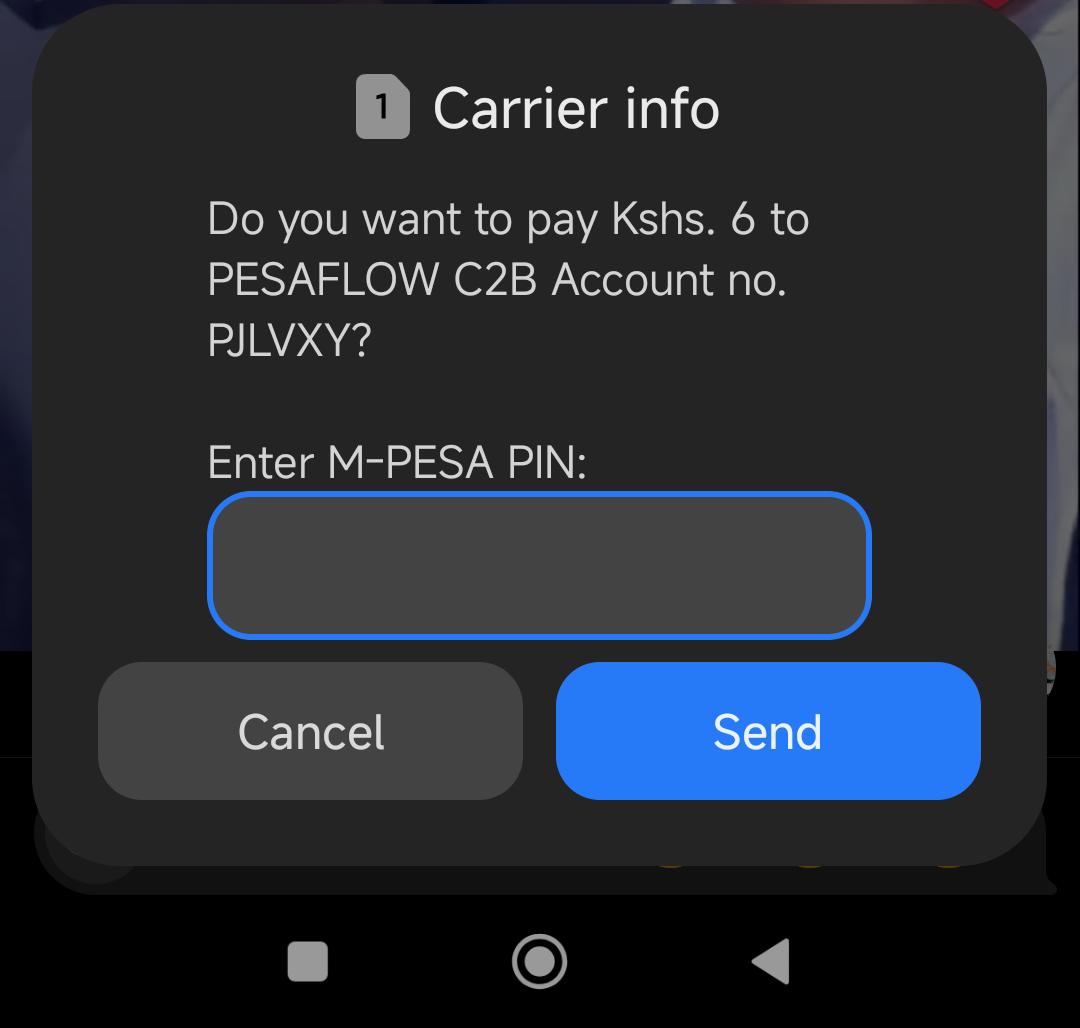
- Confirm user receives phone prompt and authorizes payment.
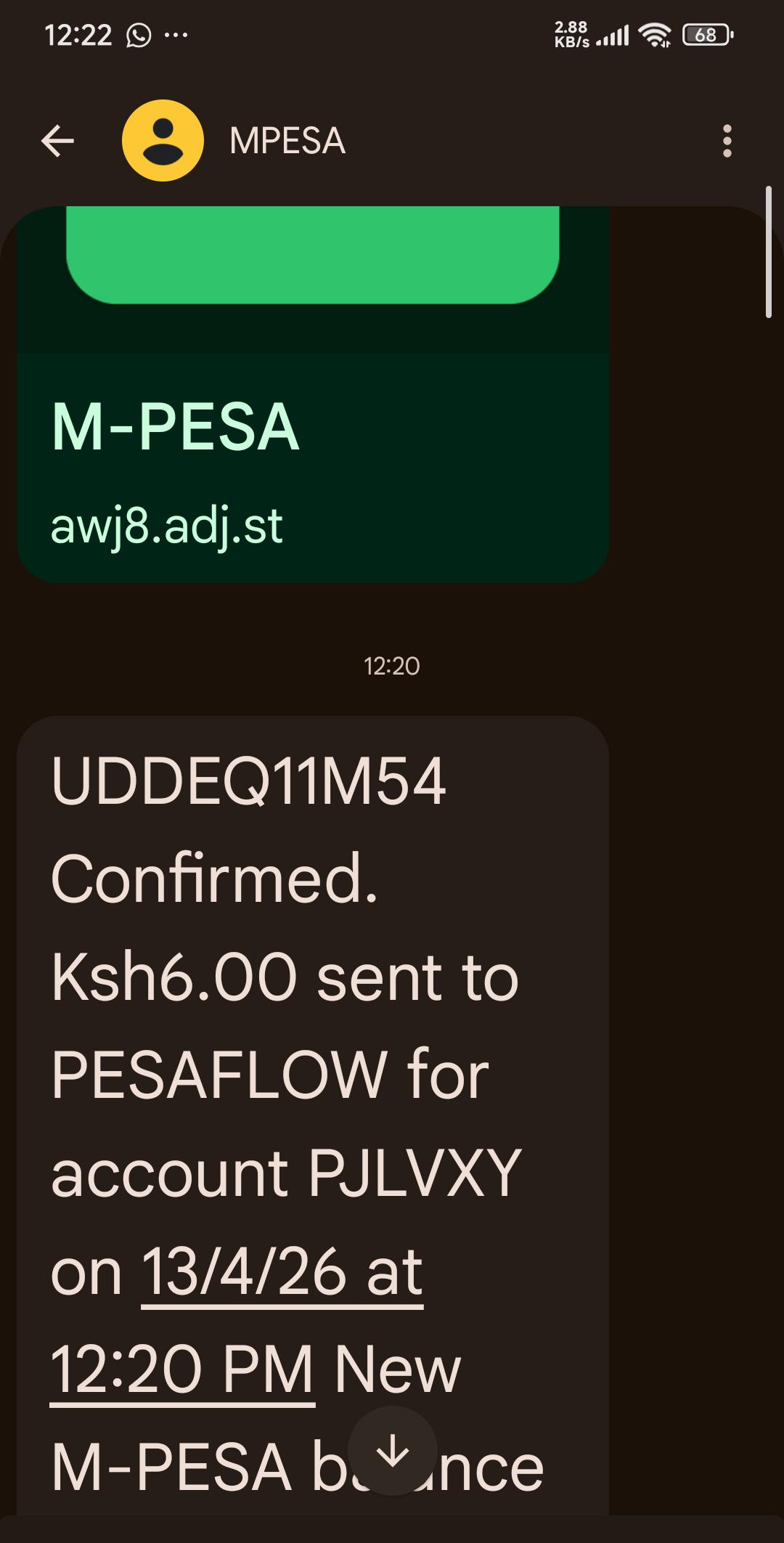
- Verify success confirmation in UI.
- Verify receipt and updated status in invoice/receipt modules.
Dashboard
The dashboard is the landing view after login. It surfaces the station's daily totals (vehicles weighed, compliant/overloaded split, open cases, pending invoices) and the shift-level summary for the signed-in operator. Use it to confirm the shift is active and nothing from the previous shift is left un-closed before you start capturing new weighings.
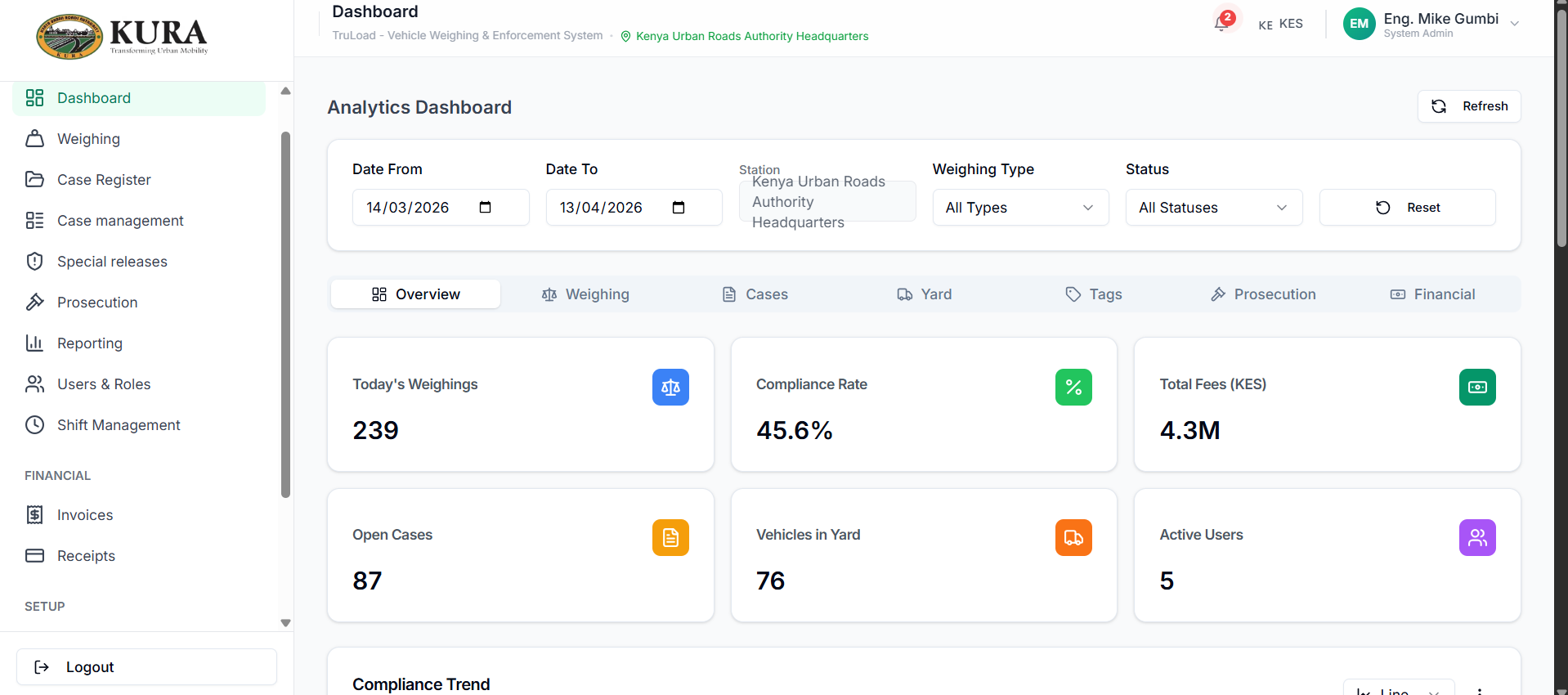
Typical start-of-shift checks from the dashboard:
- Confirm your station and shift are shown in the header.
- Check the "open cases" counter against the handover note; every open case should have an owner.
- Check pending invoices; chase any with a payment retry flag before they time out the Pesaflow session.
- Scan the weighing-hourly chart for any period with zero captures on a live lane — that usually means a scale-feed outage.
Reporting flow
- Open
Reporting. - Select the report type — daily summary, overload detail, prosecution status, finance reconciliation, or shift performance.
- Apply station/date/module filters. Dates default to the current shift; widen the range for end-of-month reports.
- Validate the totals against the dashboard and the receipts page for the same period.
- Export in PDF for sign-off or CSV for finance reconciliation.
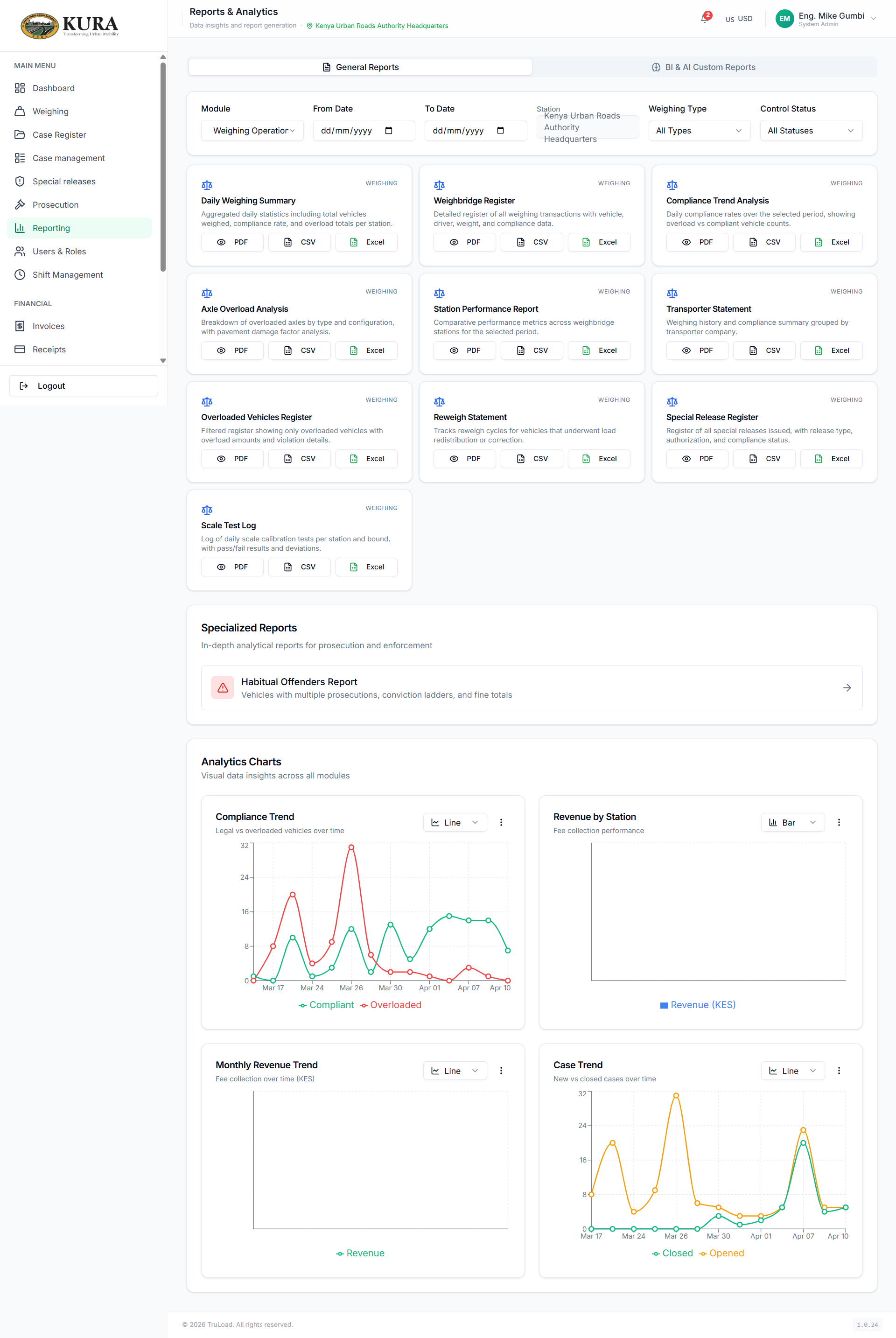
Common reports and who reads them:
| Report | Primary audience | Frequency |
|---|---|---|
| Daily weighings summary | Station manager | End of each shift |
| Overload / prosecution register | Prosecution officer | Daily |
| Invoice & receipt reconciliation | Finance | Daily / monthly |
| Shift performance | Platform admin | Weekly |
| Compliance certificate log | Closure officer | As needed |
Reconciliation checklist
- Invoice status is consistent with payment channel callback status.
- Receipt exists for settled invoices and is uniquely referenced.
- Case/prosecution progression aligns with payment completion.
- Outstanding payments are documented and retried per SOP.